

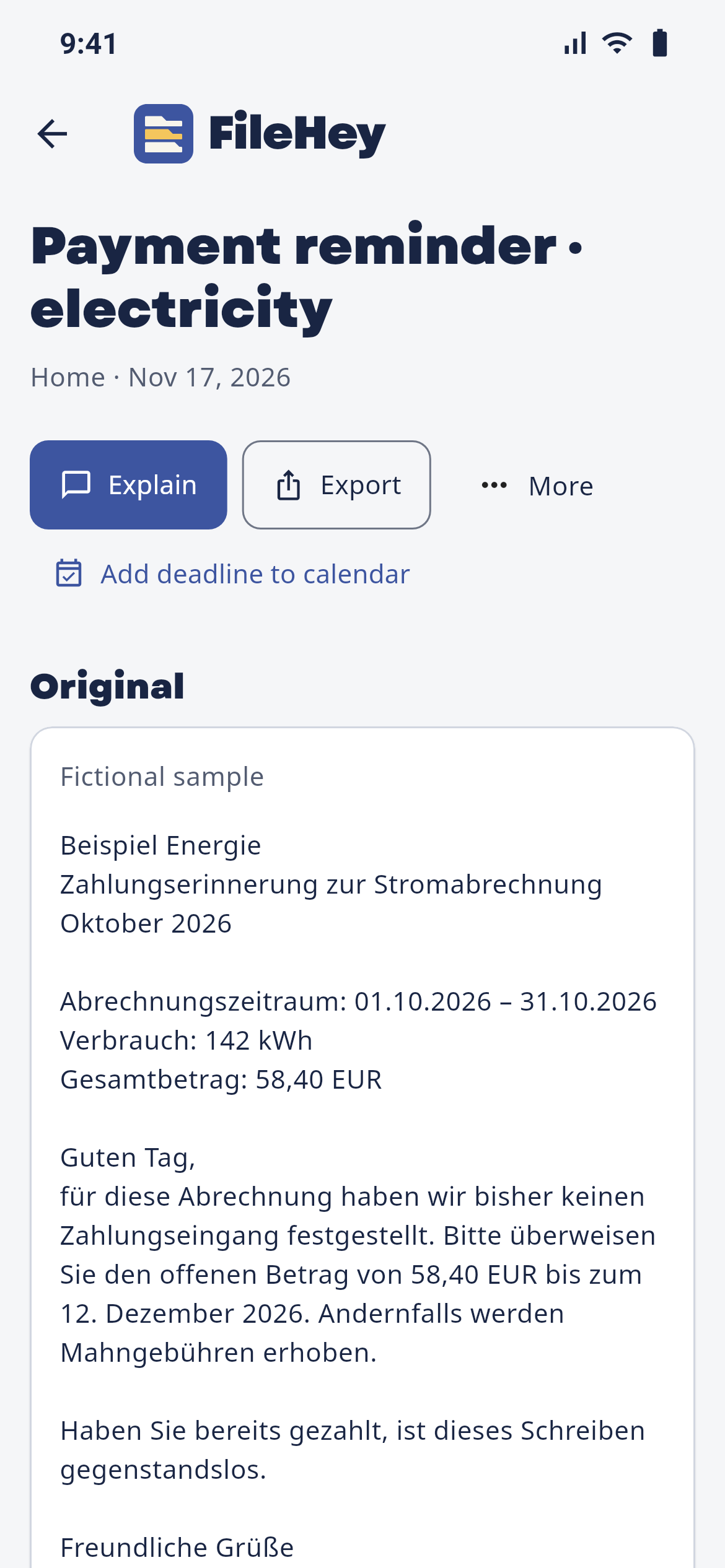
In the app
- Open FileHey and sign in.
- Tap Account at the bottom.
- Tap Delete account.
- We send a code to your email address. Enter it and confirm.
After that you are signed out. Your account and your documents are deleted.
Without the app
You no longer have the app? Write to hello@filehey.de with the subject “Delete account” and give the email address of your account. We send a link to that address; only when you confirm it do we delete the account. After that we confirm the deletion to you by email.
What is deleted
- your account and your email address at FileHey
- all documents, photos and PDF files
- the recognised text and all explanations
- your deadlines and the reminders on this device
What remains
- Backup copies: there are none at present. What you delete is gone within a few minutes.
- Subscription and purchase receipts are held by Apple or Google, purchase data also by the subscription service provider RevenueCat and in our accounting, as far as we must keep them. Cancel a subscription in the store before you delete the account.
- Technical logs expire after 7 days at the latest, error reports without an account number after 30 days.
- Emails with sign-in codes are held by the email service provider Resend and expire under its rules (usually after 30 days).
- Texts sent to Anthropic stay there until Anthropic deletes them (usually after 30 days).
- Reminders on other devices you delete by uninstalling FileHey there.
Frequently asked questions
Does deleting cancel my subscription?
No. You cancel a subscription from the App Store or Google Play there. Only delete the account afterwards, otherwise the subscription keeps running in the store.
Can I restore a deleted account?
No. Deleted documents and explanations cannot be brought back. Save what you want to keep beforehand.


