

Scanning
Scanning and text recognition
Photograph the letter or import a file. FileHey reads the text and files the document in your storage.
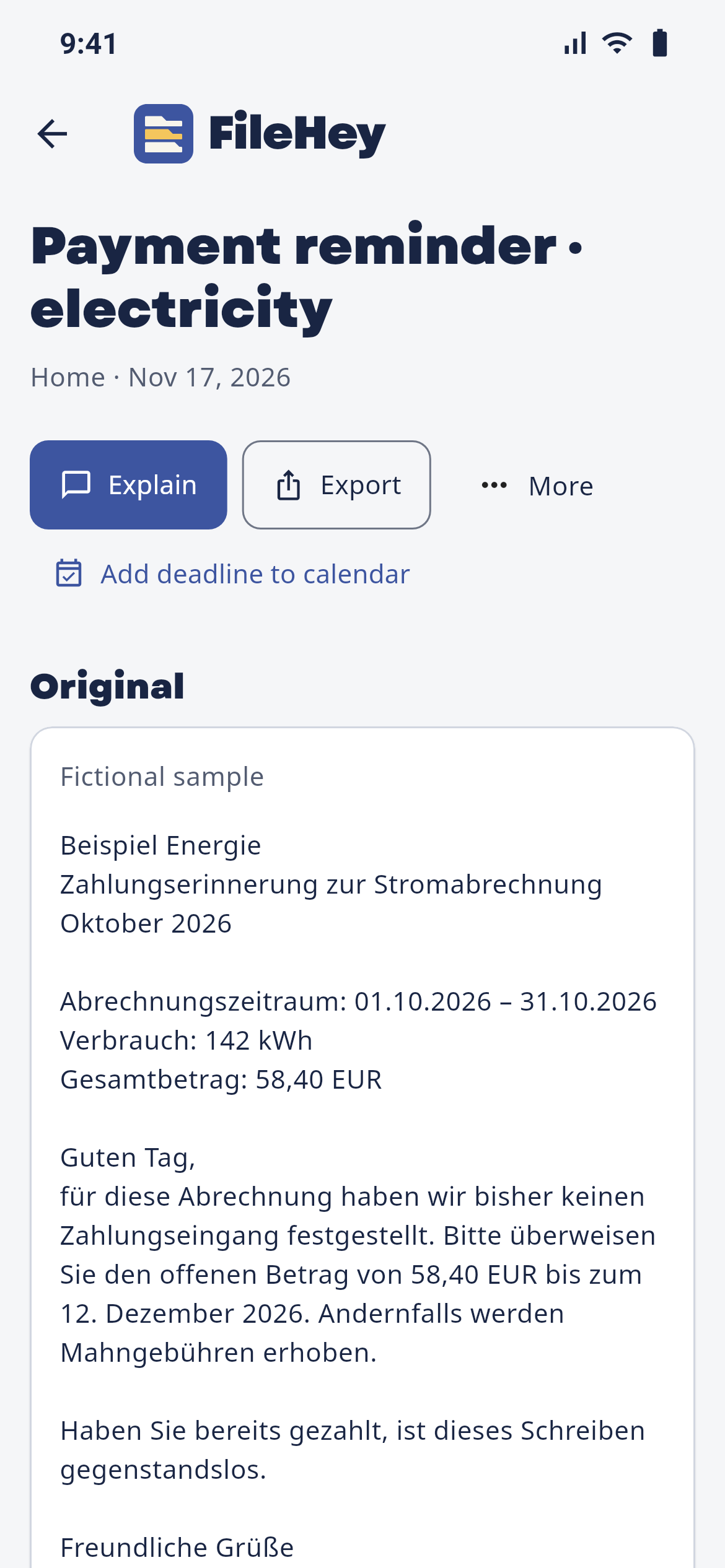
-
Scanning with the device
On Android and iPhone the app uses the document scanner of your device. You scan multi-page letters in one go.
-
Importing a photo or PDF
Do you already have the letter as a file? Import a photo or a PDF from your device.
-
Text you can search
FileHey reads the text and suggests a title and category. You can change both.
-
Text recognition without AI
Reading the text is pure text recognition. An AI only comes into play with your consent: for naming and categorising and for the explanation.
How a letter gets into the app
- Tap Add.
- Choose Scan document and photograph the letter. In the browser on a phone, the item is called Take photo. On a computer you import a file.
- Or choose Import photo or PDF if you already have the letter as a file.
- The app shows “Processing your document…”. After that the document is in the list.
How this looks step by step is in the help under Adding a letter.
What FileHey makes of the letter
The text recognition reads the text of every page. From it, the document gets a suggested title, a category and preview pages so that you can look at the original. You find the recognised text in the document under “Recognised text”. The search is built on it, and from it the app finds data for the deadline reminder.
The text recognition runs on a server, not on your phone. Where and with whom is explained on the page Security.
Limits
- Quality of the photo: Sharp, straight and well lit reads better. Very pale, blurred or heavily compressed originals can distort digits and separators. This affects amounts and dates above all.
- Handwriting and language: See the questions below.
- Quantities: File size, number of pages, daily limit, storage and number of documents are limited. Storage and number of documents depend on the plan.
- Several files at the same time: Not an unlimited number are read at once. Then the app shows “Waiting for a free slot”. As soon as a document is finished, it continues automatically.
Check important numbers in the original
Compare amounts, deadlines and file reference numbers (Aktenzeichen) with the original before you rely on them. In the document you see the original and below it the recognised text. If a letter is important to you, keep the paper.
Frequently asked questions
Which files can I add?
PDF, JPEG and PNG, each file up to 15 MB. A document may have at most 15 pages. If you import a HEIC or HEIF photo in the browser, the app tries to convert it. If that does not work, import a JPEG, PNG or PDF file.
In which languages does FileHey read the text?
The text recognition is set to German and English. It does not read letters in other languages or scripts reliably. More on the page 11 languages.
Does FileHey also read handwriting?
We have not measured this and do not promise it. Expect handwriting not to be recognised, or to be recognised badly.
What if I am offline?
Your document then stays on the device and waits for the upload. As soon as you are connected again, you upload it. In the browser you have to keep the tab open for this.
Is there an upper limit per day?
Yes. How many documents you can add per day depends on the plan. If the daily limit is reached, your capture stays in the queue and continues the next day.


